MCP Endgame? Zapier MCP Connects Everything
摘要
Zapier's MCP server connects 8000+ apps and 30000+ actions. Set it up in Cursor, with a demo scheduling a Google meeting and a Slack notice from one prompt.
MCP Endgame? Zapier MCP Connects Everything
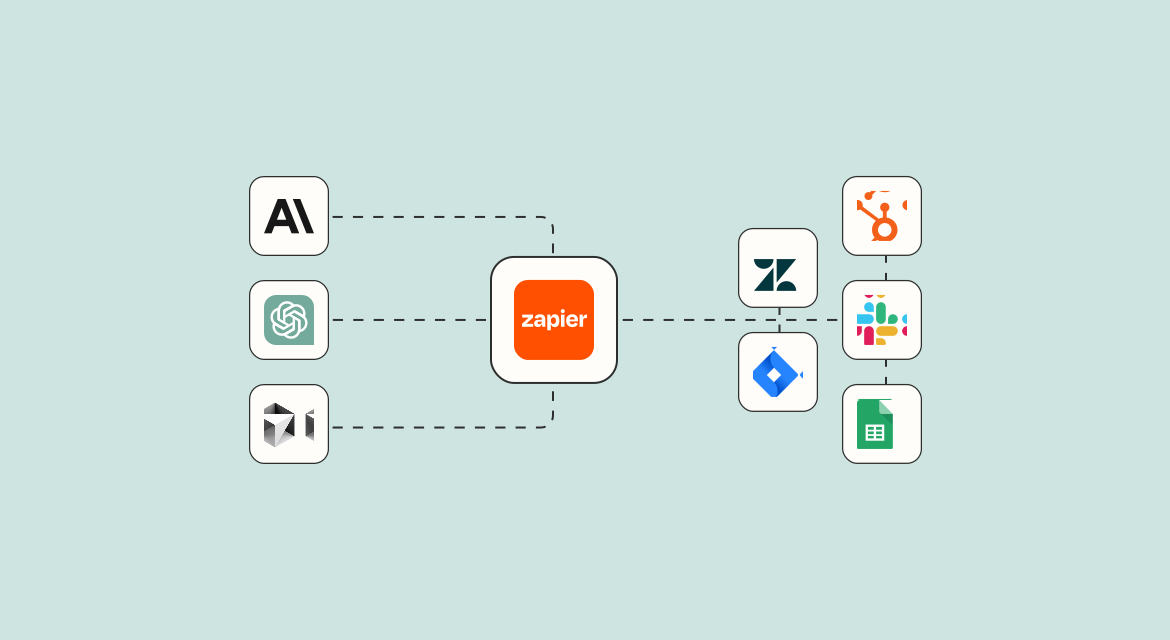
Hello everyone, I'm Very Small Woods. Today we continue our exploration of MCP-related topics, discussing how Zapier implements the ability to "connect everything" through the MCP protocol.
Table of Contents
- Introduction to Zapier and Basic Usage
- Configuring Zapier MCP in Cursor
- Practical Demo: Scheduling Meetings and Sending Notifications via MCP
Introduction to Zapier and Basic Usage
Zapier is an extremely popular automation tool that helps users create automated workflows, connecting thousands of applications and services. Zapier's core philosophy is to create automation commands through "trigger conditions" and "execution actions," implementing a workflow model of "if this condition triggers, then perform that action."
Now, Zapier has released an MCP server, which means we can use MCP clients to help users automate connections between thousands of applications, achieving more efficient work.
Creating Your First Zap Workflow
Let's understand Zapier's basic usage through an example. In this example, we'll create a workflow that automatically sends Google Form responses to a Slack channel.
- Log in to Zapier and enter your personal dashboard
- Select the "Send Google Form responses to Slack channel" template
- Configure Google Forms
- Select an existing form (e.g., "MCP Quick Start Course Reader Feedback")
- Authorize your Google account (if using for the first time)
- Configure Slack
- Select a Slack channel (e.g., "All Woods Camp")
- Set up the message text (e.g., "Are you satisfied with the MCP Quick Start Course?")
- Test and publish the workflow
After completing the configuration, whenever someone submits feedback through the Google Form, the Slack channel will automatically receive a notification message. This is the basic process of how Zapier helps us achieve workflow automation.
Configuring Zapier MCP in Cursor
As the MCP protocol becomes increasingly popular, Zapier has also begun supporting MCP. Let's see how to configure the Zapier MCP server in Cursor.
Getting the MCP Server Link
- Visit the Zapier MCP configuration page
- Obtain your personal MCP server link (be sure to protect the sensitive parts of the link, similar to a key)
- If you're concerned about link exposure, you can click the "Rotate" button to regenerate it
Configuring MCP Tools
- On the Zapier MCP page, click "Edit MCP actions"
- Select the tools you want the MCP server to support (e.g., "Slack Send Direct Message")
- Enable the selected tools
Connecting to Cursor
- On the Zapier MCP page, click "Connect Cursor"
- Copy the configuration information
- Create a global MCP server in Cursor
- Paste the configuration information
- Confirm that the tools have loaded correctly
After completing these steps, Cursor can access various tools and services through the Zapier MCP server.
For more information about MCP, you can refer to my "MCP Quick Start" course series. The text version is published in my knowledge community, and the video version is available on the same-named course on Bilibili.
Practical Demo: Scheduling Meetings and Sending Notifications via MCP
Now, let's demonstrate through a practical case how to use the Zapier MCP server to help users schedule Google meetings and send notification messages via Slack.
Configuring Required Tools
- Return to the Zapier MCP configuration page
- Click "Edit MCP actions"
- Add the "Google Meet Schedule a Meeting" tool
- Add the "Slack Send Direct Message" tool
- Enable these tools
Using MCP Tools in Cursor
- Refresh the MCP tool list in Cursor
- Confirm that the new tools are available
- In Agent mode, express your needs:
I want to schedule a Google meeting with 000encoder@gmail.com at 5 PM tomorrow, and send a Slack notification - Cursor will automatically call the appropriate MCP tools:
- First, it calls "Google Meet Schedule a Meeting" to arrange the meeting
- Then it calls "Slack Send Direct Message" to send the notification
Verifying Results
- Check Google Calendar to confirm the meeting has been scheduled at the specified time
- Check Slack messages to confirm the notification has been sent, including the meeting link and time information
Tip: When scheduling meetings, it's best to provide your time zone information to help the AI locate the time more precisely.
Conclusion
The MCP server provided by Zapier allows us to easily complete MCP server configuration without any complex operations, and control thousands of applications and services through AI assistants. This ability to "connect everything" perhaps represents an important development direction for the MCP ecosystem.
Through Zapier MCP, we can:
- Connect 8000+ applications and 30000+ actions
- No need for complex API integrations
- Transform AI assistants from conversational tools to functional application extensions
- Securely and reliably handle authentication, API limits, and security
Zapier MCP is currently free for individual users, but has usage limits: a maximum of 40 tool calls per hour, 80 per day, and 160 per month. For higher quotas, you can apply for a custom quota.
What are your thoughts on Zapier MCP? Feel free to share your ideas and experiences in the comments!
References
往期回顾
相关文章
2025年3月24日
MCP终局?Zapier MCP连接万物
Zapier 发布了 MCP 服务器,一头连上 8000+ 应用、30000+ 动作。这篇聊聊如何在 Cursor 里配置 Zapier MCP,并实测用一句话安排 Google 会议再自动发 Slack 通知。
2026年8月30日
当天新增 257 颗星,Cursor 把邮件和日历装进 Coding Agent
Cursor 的官方插件仓库再次登上 GitHub Trending。它把 MCP、Skill、规则和 OAuth 连接收进可安装的插件,问题也从“Agent 能不能连服务”变成了“这次授权究竟允许它做什么”。
2026年7月23日
吴恩达开源 OpenWorker:一个交付成品而不是对话的 AI 智能体桌面应用
吴恩达和 Rohit Prasad 开源了 OpenWorker - 一个跑在桌面上的 AI 智能体应用,交给你的是能打开的成品:文档、带数字的 Slack 回复、理好的日历。我读了后端代码,聊聊它在交付形态、分层风险模型、无人值守 inbox、self-wake、本地优先上的实现选择。
最近一封 · Sample
Jev 实测:这款爆火的极速决策模型的基本玩法
“TypeSafe AI 的 Jev 发布当天在 Hacker News 拿到 1679 分。我搭了一个 Playground 跑了五个场景,把官方宣称、独立实测和自己测出来的数字分开放,说说它适合什么、不适合什么。”
—— william
来信
里面装的是
- 新文章 — 写完一篇就寄一封,不攒货
- 这周读到的、看到的、好用的工具
- 正在折腾的实验,附带翻车记录
约莫 1–2 周一封 · 随时退订
合作伙伴
CompeteMap — 英国及爱尔兰学生竞赛一站式搜索
数学、编程、科学、写作等各类竞赛信息汇总,支持按年龄和科目筛选,再也不错过报名截止日。